Program Template
A program page is crucial as it serves as a comprehensive and accessible resource for prospective students, providing detailed information about the program, its curriculum, and admission requirements. This page includes menus that highlight the basic layout and all of the features that are available for this page type to help promote a program.
Page Elements for Program Pages
Along with adding content to the page, you may also utilize the various page elements, which will enhance your design of the program. Access this program page review checklist to ensure your page remains accurate, current, and fully developed.
Breadcrumbs are used to redirect users back to the previous page.
(Ex: Academics -> All Programs -> Program Name)

The page title is typically the name of a program.
(Ex: Program Name B.S.B.A)

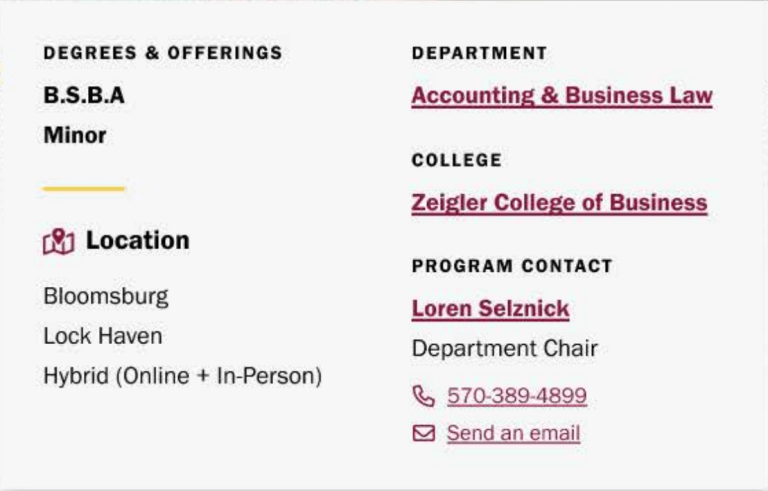
The program details element showcases what offerings the program has, the locations, the instructional models, and the program contacts.
The about section gives a blurb of what the program is about.
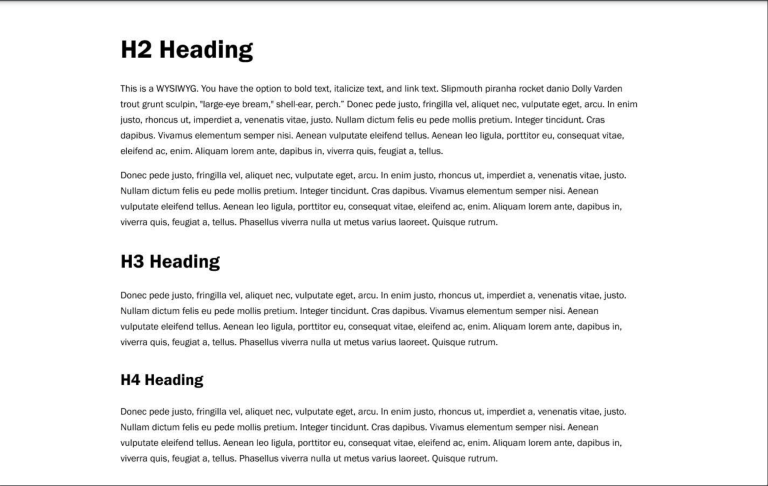
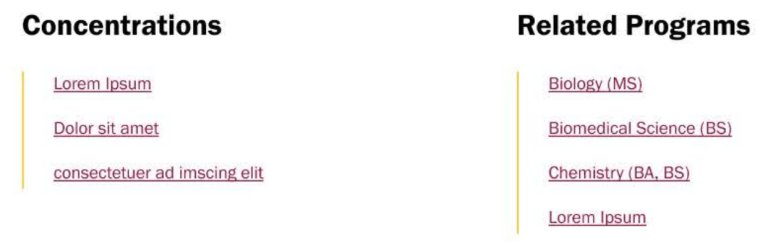
The related program section is designated to including some programs that is related to the program page the user is on.
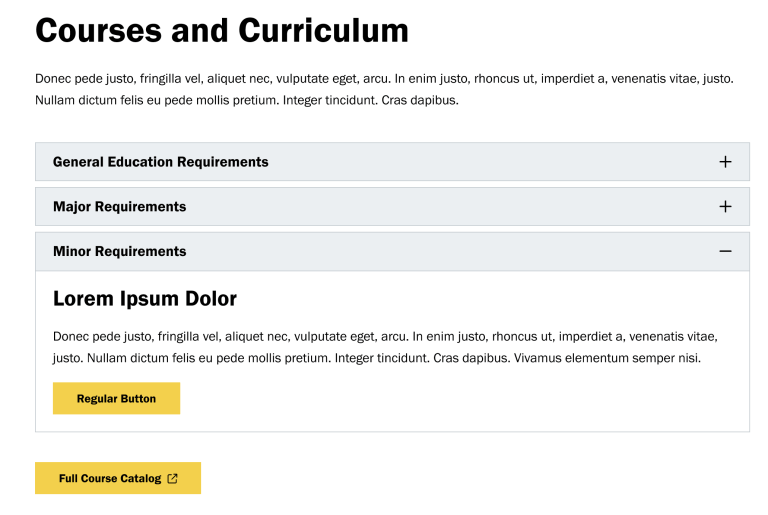
This section serves as a drop down area where course information and curriculum documents can be located.
This section can include featured content and information crucial to the degree program.
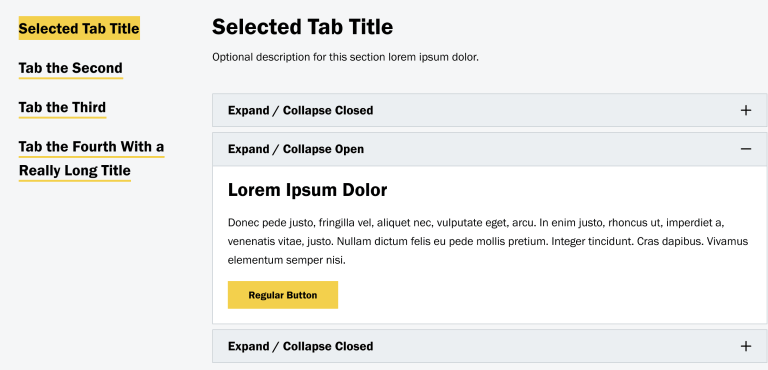
This section allows for users to view extra areas of learning within their field of study.
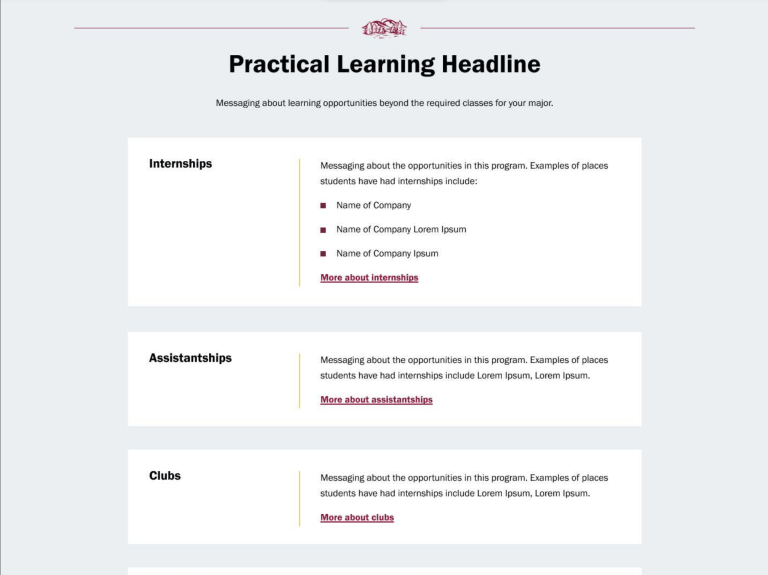
This section is a unique feature that attracts users by offering something distinct and valuable.
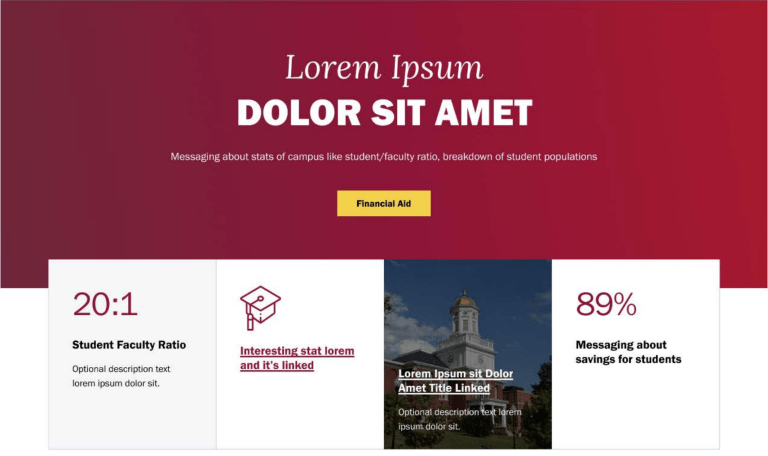
This section adds valuable information regarding career outcomes upon completion of the degree program.
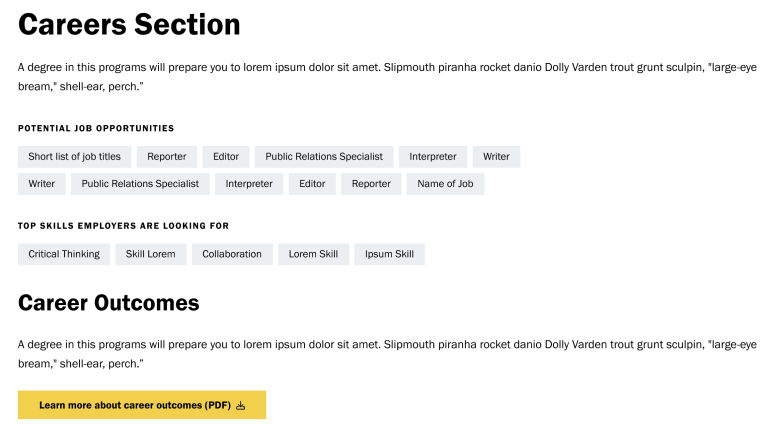
This section allows for various types of content (videos, podcasts, images, etc.) to be embedded.
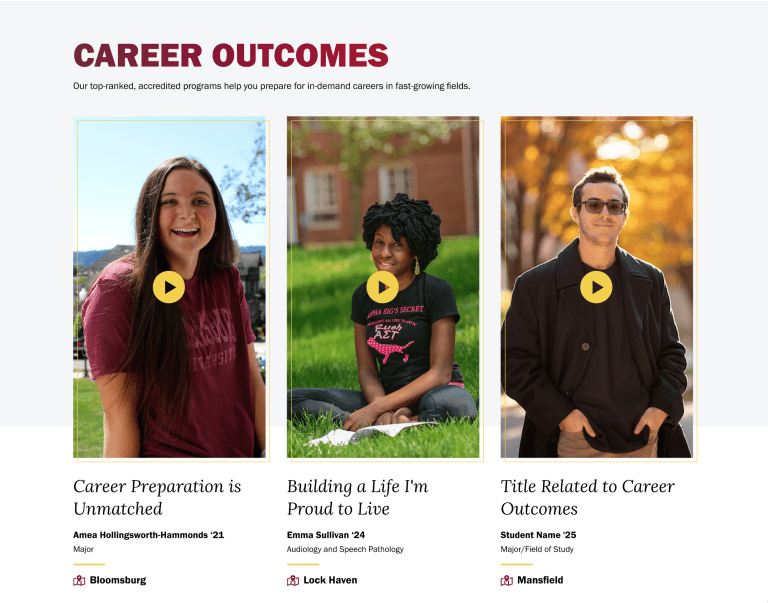
This section allows for video content to be displayed about the program (like career outcomes for alumni)
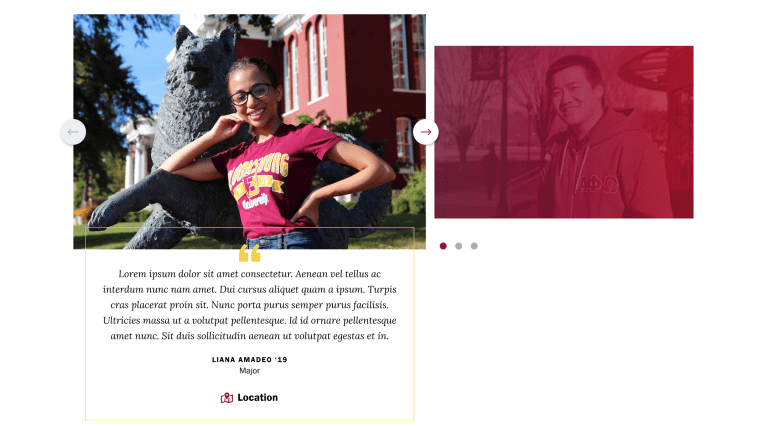
This section is a dedicated area where users can find endorsements, reviews, or statements from students within or who have graduated from the program, providing valuable insights.
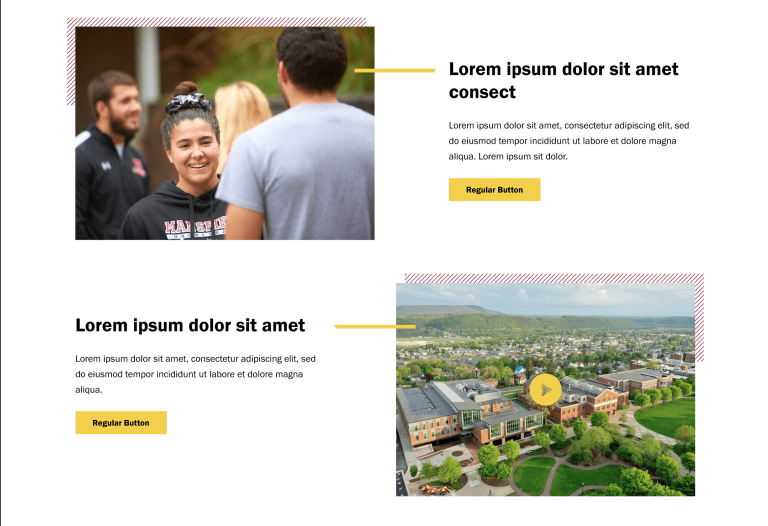
This section allows the user to design a layout where alternating content or visual elements are presented in a grid-like pattern, creating a visually appealing and organized structure.
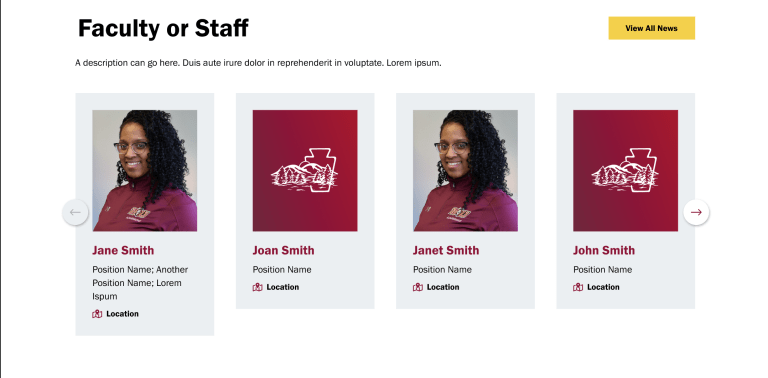
This section displays the faculty associated with the department and/or program that students may contact to inquire more information. The section was modified to inform which campus(es) each faculty member is located.
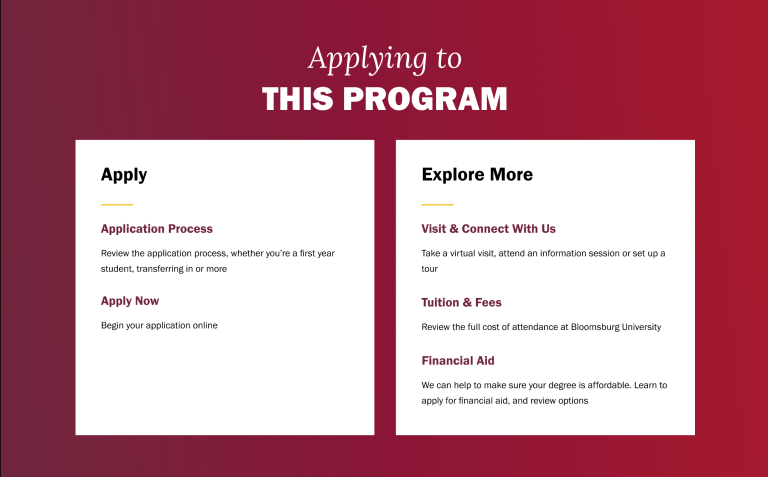
This section is designated to providing insights for the application process to Commonwealth and steps students can take to apply.
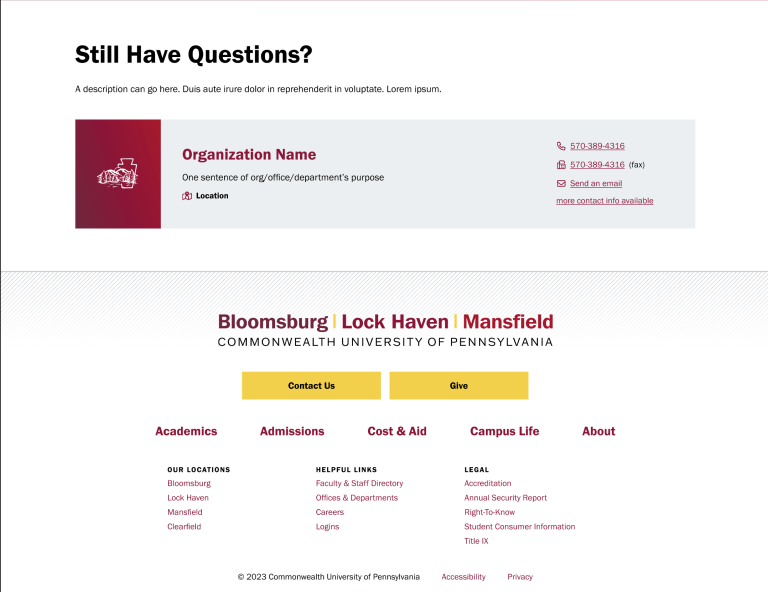
This section displays an area for students if they still have questions. This could list the department chair or program coordinator of the program(s). The section was modified to inform which campus(es) each faculty member is located.
How to Update Your Program Page
Strategic Communications and Marketing manages the university’s most visible pages like the homepage, program landing pages, and college pages to keep them performing their best for recruitment and marketing.
Access this program page review checklist to ensure your page remains accurate, current, and fully developed.
To get a sense of how a program page might look if using all of the available features above, visit this sample template guide.
If you have ideas or notice something that could be improved, the web team would love your input. Use the website request form to share suggestions or request updates for any program page.

Website Style Guide
We have a step-by-step guide on how to go about producing content on our website and what our guidelines are!